

Dashboard Overview
The partio dashboard is a Next.js web app that gives you a visual interface for browsing everything partio captures — checkpoints, sessions, commits, pull requests, and code — across all your GitHub repositories.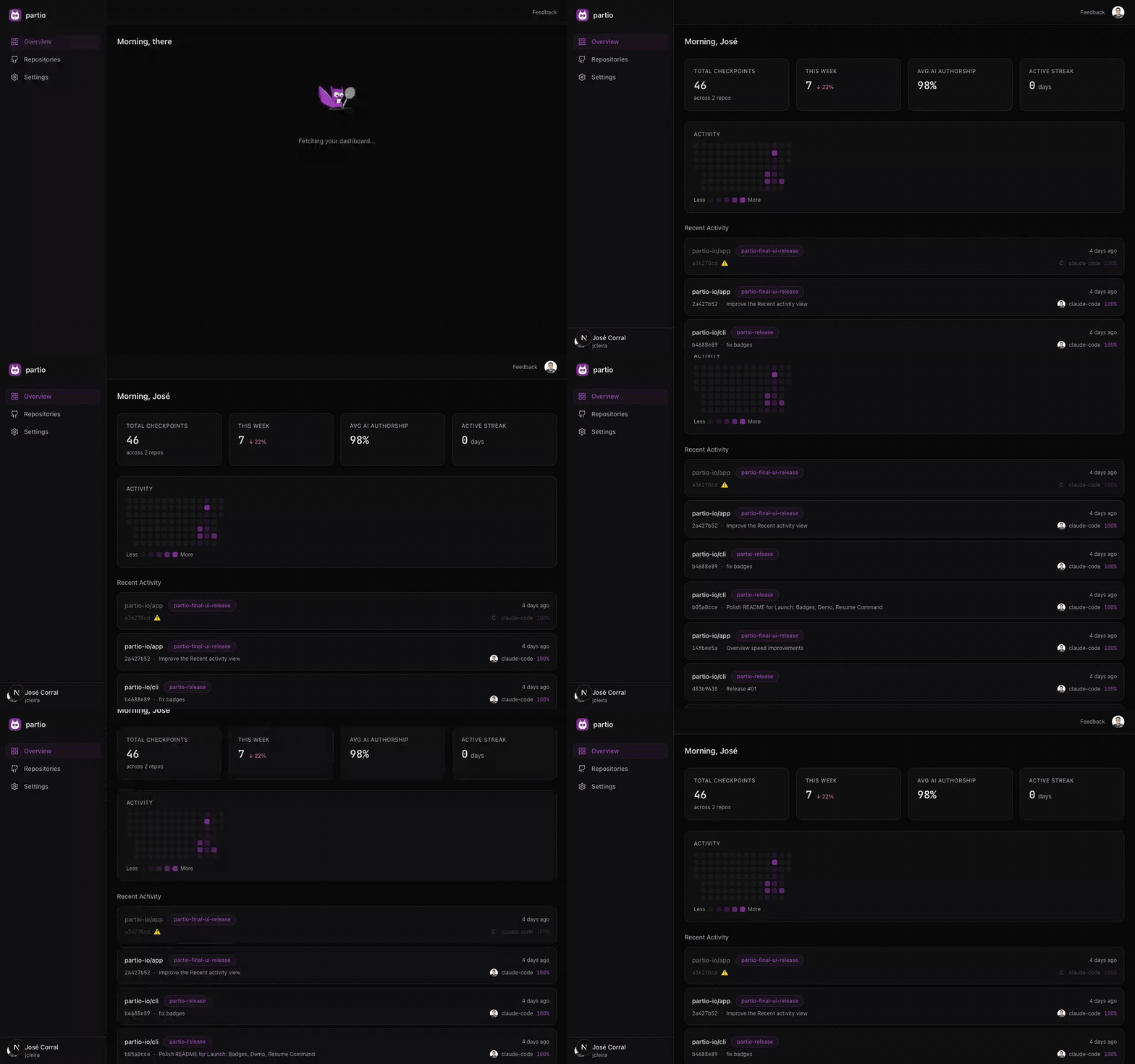
Accessing the Dashboard
The hosted dashboard is available at app.partio.io. Sign in with your GitHub account to get started. If you prefer to self-host, see the Self-Hosting guide.Main Layout
The dashboard has three persistent elements:- Sidebar (left) — Navigation links to Overview, Repositories, and Settings, plus your GitHub avatar and username at the bottom.
- Topbar (top) — Feedback link and sign-out button.
- Content area — The main content for the current page.
Overview Page
The overview page (/) is your landing page after signing in. It shows:
Stat Cards
Four key metrics across all your repositories with checkpoint data:Activity Heatmap
A calendar-style heatmap showing your checkpoint activity by day, similar to GitHub’s contribution graph.Recent Commits
A table of the latest checkpoints across all repositories. Each row shows the repository name, branch, commit hash, agent name, authorship percentage, and relative timestamp. Click any row to jump to the checkpoint detail page.Navigation
Use the sidebar to move between sections:- Overview — Stats, heatmap, and recent activity (this page)
- Repositories — Browse and search all your GitHub repos
- Settings — Customize your dashboard theme