
Repositories

The Repositories page (/repositories) lists all GitHub repositories accessible to your account. It’s the starting point for drilling into any repo’s checkpoints, commits, and code. Searching and filtering repositories
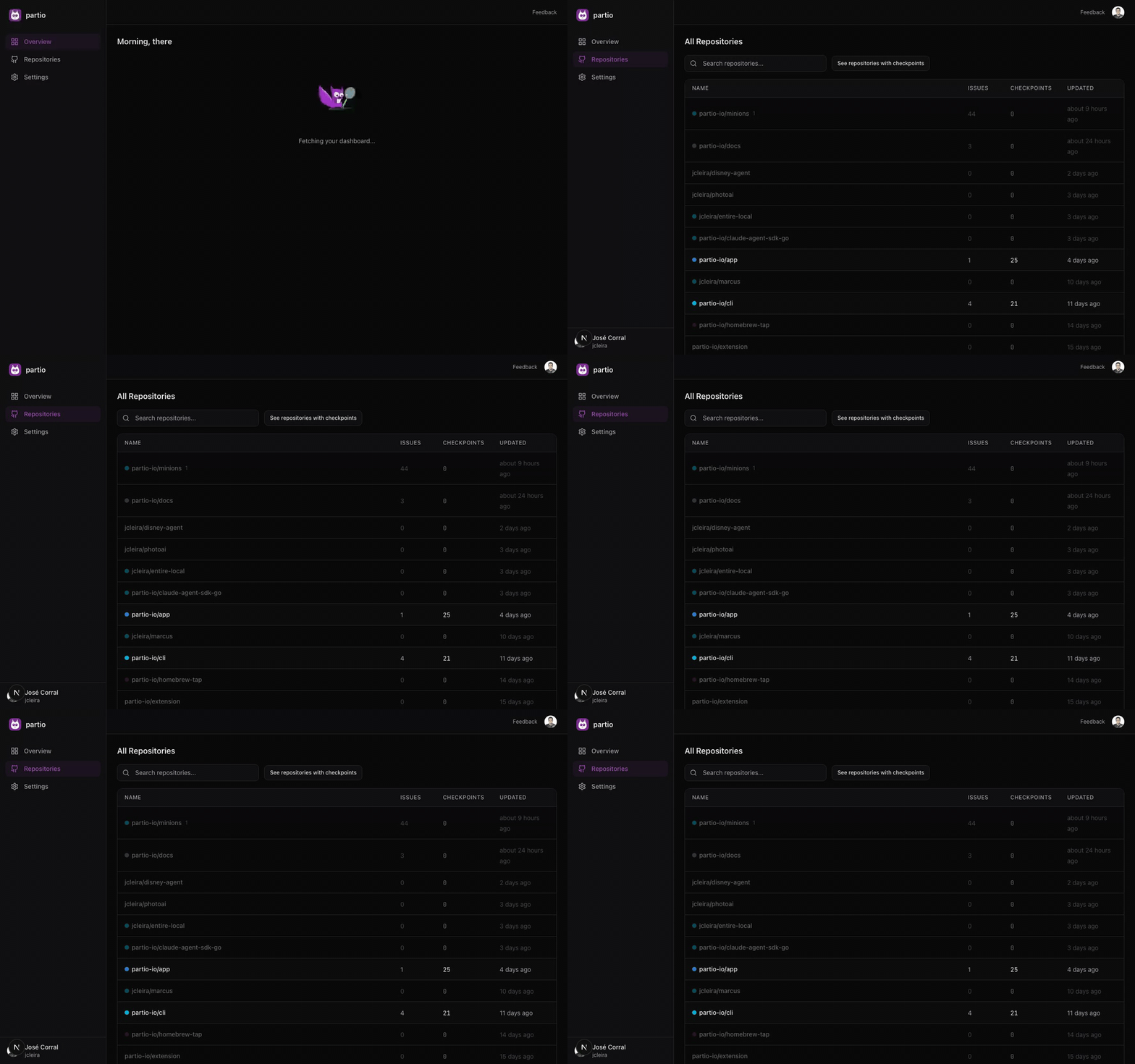
Repository List

The page displays a table with the following columns:
ColumnDescription
NameRepository name with a colored dot indicating the primary language (TypeScript, Python, Go, etc.)
IssuesOpen issue count
CheckpointsNumber of partio checkpoints captured for this repo
UpdatedWhen the repo was last updated
Click any row to navigate to the Repository Detail page.

Filtering

By default, only repositories with at least one checkpoint are shown. This keeps the list focused on repos where partio is actively capturing data. Toggle the “See all repositories” button to show every repo your GitHub account has access to. Repos without checkpoints appear with dimmed styling. Use the search input at the top to filter repositories by name. The filter applies instantly as you type.